Auto-Approving Returns on Shopify
Auto-approve under-$50 returns from non-flagged customers and you free 70% of CS hours. The exact rules + thresholds operators ship.
Hylke Reitsma is co-founder of Forthsuite and a supply chain specialist with 8+ years of hands-on experience at Shell, Verisure, and Stryker. He holds an MSc in Supply Chain Management from the University of Groningen and writes practical guides to help e-commerce teams run leaner, faster supply chains. Selected by Replit as 1 of 20 founders for the inaugural Race to Revenue Cohort #1 (2026) and certified as a Replit Platform Builder.
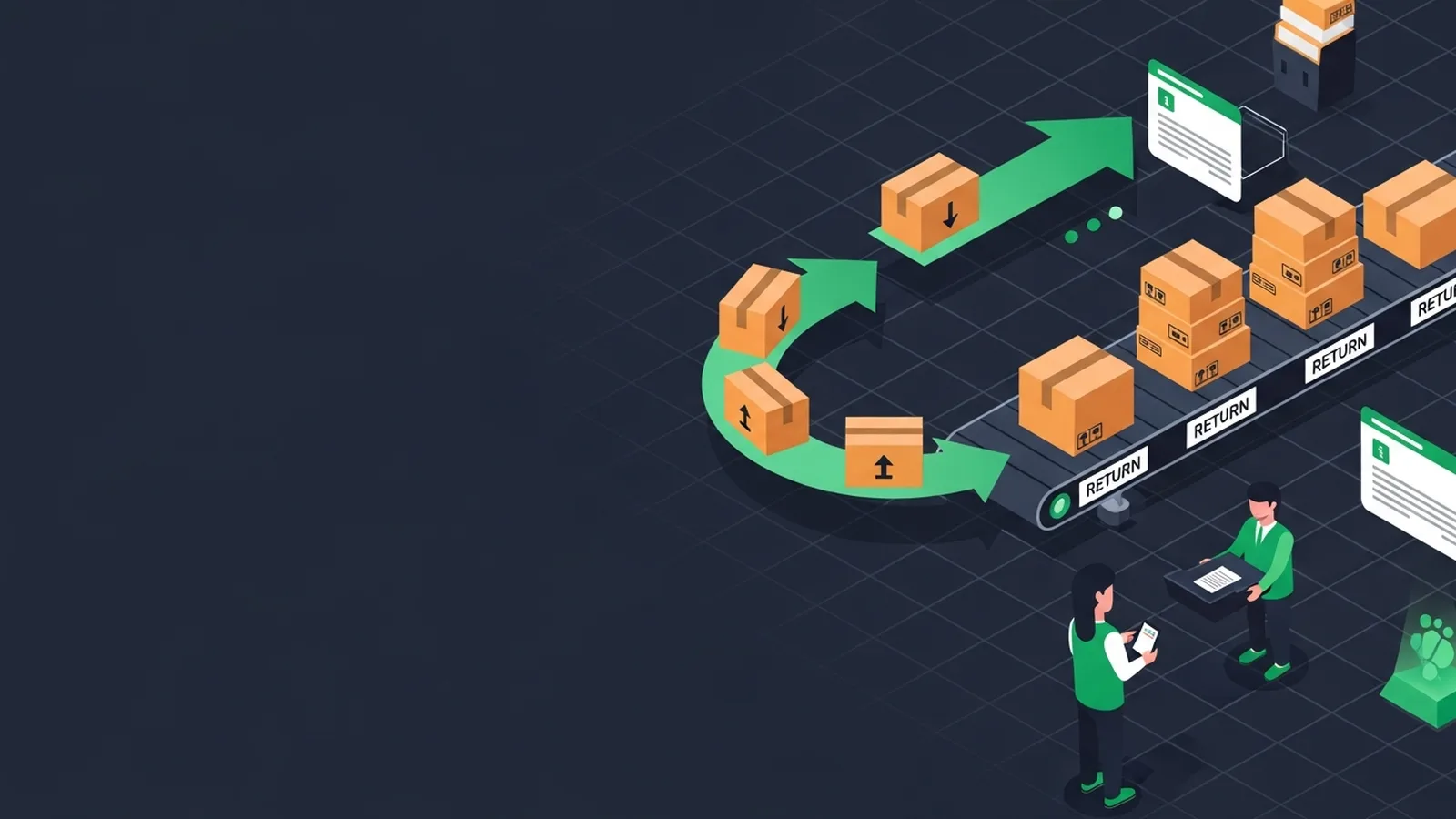
Auto-Approving Returns on Shopify: The Rules That Cover 70% of Volume
TL;DR: Auto-approving returns under $50 from non-flagged customers frees up a large share of customer service hours by eliminating manual review for low-risk requests. Forthroute automates return approvals and reverse logistics workflows for Shopify brands, letting operators set rules-based thresholds that auto-approve qualifying returns while flagging exceptions for review.
Last updated: July 2026
TL;DR. Auto-approve under-$50 returns from non-flagged customers and you free 70% of CS hours. The exact rules + thresholds operators ship.
If you operate returns at scale on Shopify, this guide is one of 25 spokes inside the Shopify Returns Management Hub — start with the pillar for the operator-level overview, then come back here for the deep dive on automated return approval shopify. The short answer to "How do I auto-approve low-risk Shopify returns?": work the framework below, ship the policy wording, and instrument the metric we call out at the end.
What 'low-risk' means
What 'low-risk' means is a load-bearing step. The Forthroute team works with Shopify brands on returns, and this is the version of the playbook that survives contact with peak season.
Use the rule set below as your default and adjust the thresholds for your category and AOV.
- Define the input you actually have (Shopify order data, return reason, customer cohort).
- Pick a default rule that handles 70% of cases without human review.
- Write the customer-facing wording before you write the rule — the wording is the product.
- Instrument the conversion (refund-to-exchange, repeat-return rate, refund cycle time).
Default auto-approve rule set
Default auto-approve rule set is a load-bearing step. The Forthroute team works with Shopify brands on returns, and this is the version of the playbook that survives contact with peak season.
Use the rule set below as your default and adjust the thresholds for your category and AOV.
- Define the input you actually have (Shopify order data, return reason, customer cohort).
- Pick a default rule that handles 70% of cases without human review.
- Write the customer-facing wording before you write the rule — the wording is the product.
- Instrument the conversion (refund-to-exchange, repeat-return rate, refund cycle time).
Customer-flag exceptions
Customer-flag exceptions is a load-bearing step. The Forthroute team works with Shopify brands on returns, and this is the version of the playbook that survives contact with peak season.
Use the rule set below as your default and adjust the thresholds for your category and AOV.
- Define the input you actually have (Shopify order data, return reason, customer cohort).
- Pick a default rule that handles 70% of cases without human review.
- Write the customer-facing wording before you write the rule — the wording is the product.
- Instrument the conversion (refund-to-exchange, repeat-return rate, refund cycle time).
Shopify Flow + Forthroute setup
Shopify Flow + Forthroute setup is a load-bearing step. The Forthroute team works with Shopify brands on returns, and this is the version of the playbook that survives contact with peak season.
Use the rule set below as your default and adjust the thresholds for your category and AOV.
- Define the input you actually have (Shopify order data, return reason, customer cohort).
- Pick a default rule that handles 70% of cases without human review.
- Write the customer-facing wording before you write the rule — the wording is the product.
- Instrument the conversion (refund-to-exchange, repeat-return rate, refund cycle time).
Audit + revert procedures
Audit + revert procedures is a load-bearing step. The Forthroute team works with Shopify brands on returns, and this is the version of the playbook that survives contact with peak season.
Use the rule set below as your default and adjust the thresholds for your category and AOV.
- Define the input you actually have (Shopify order data, return reason, customer cohort).
- Pick a default rule that handles 70% of cases without human review.
- Write the customer-facing wording before you write the rule — the wording is the product.
- Instrument the conversion (refund-to-exchange, repeat-return rate, refund cycle time).
FAQ
How do I auto-approve low-risk Shopify returns?
Yes — and the framework above gives you the operator answer in under 700 words. Auto-approve under-$50 returns from non-flagged customers and you free 70% of CS hours. The exact rules + thresholds operators ship.
How does this affect refund cycle time on Shopify?
Most operators see refund cycle time drop from 7-9 days to 3-5 days once the rules above are in place. The biggest single lever is auto-approval for low-risk, low-value returns.
Does Forthroute support automated return approval shopify natively?
Yes. Forthroute ships with the rule engine, customer portal, and Shopify-native integration the framework above assumes. Pricing is free — see pricing.
Where does this fit in the broader Returns Management Hub?
This spoke is one of 25 inside the Shopify Returns Management Hub. The pillar covers the full operator overview; come back to this spoke when you specifically need to solve automated return approval shopify.
Next step
If you want the full operator playbook across all 25 spokes, the Shopify Returns Management Hub stitches them together. If you want to ship this in one afternoon on Shopify, install Forthroute — it's free.
How to Handle High-Risk Returns Without Slowing Approval
Even with a solid auto-approval rule set, some returns will need manual review. High-risk flags typically include: customers with multiple returns in a short window, orders placed during promotional periods that later generate returns, or items in categories prone to wear (apparel, electronics).
The key is setting up your flag rules so that exceptions land in a queue for quick human decision-making, not blocking the entire workflow.
When you flag a return, make sure your team sees the context that triggered the flag. If a customer has returned twice in 30 days, your CS team should see that fact inline. If a return reason is missing or vague, auto-flag it for clarification before approval. This two-tier system—auto-approve low-risk, queue high-risk for review—keeps cycle time predictable while maintaining control over edge cases.
What Happens After Auto-Approval: The Reverse Logistics Piece
Auto-approval is only half the win. Once a return is approved, your customer expects a label or pickup instruction within minutes.
If you auto-approve but then make the customer wait three days for a return label, you've solved CS efficiency but broken the experience.
The best setup connects your approval rule engine directly to your reverse logistics provider. Forthroute automates this handoff: the moment a return is auto-approved, a prepaid QR label is generated and sent to the customer. If the return is flagged for review, the label generation pauses until your team approves it. This prevents wasted label costs on returns you'll ultimately deny, and it keeps customers moving without friction.
Consider also offering exchange-first logic within your auto-approval rules. If a customer initiates a return and your system can offer an exchange at the same price point, auto-approving an exchange is often faster and cheaper than a refund plus restock. Your wording should make the exchange option visible upfront—customers often prefer it when given the choice.
Measuring the Real Impact of Your Auto-Approval Policy
Once you ship an auto-approval rule set, you need to watch three metrics: refund cycle time (how long from approval to refund posted), repeat-return rate (what fraction of customers who auto-approve a return later initiate another return), and cost per return processed.
Refund cycle time is straightforward—measure it end-to-end, from auto-approval to when funds clear in the customer's account. Repeat-return rate tells you whether your auto-approval thresholds are too loose (if one customer auto-approves three returns in a month, you may need tighter customer-flag rules). Cost per return includes CS labor, label cost, and inbound shipping. When you automate approvals, this number should drop noticeably because you're removing the manual review step.
Track these numbers by approval type (auto-approved vs. manually reviewed) and by reason code. You'll often find that certain return reasons (e.g., "wrong size") auto-approve cleanly while others (e.g., "defective") need more scrutiny. Let the data guide your next iteration of thresholds.
Should You Auto-Approve Exchanges Differently Than Refunds?
Yes. An exchange carries lower financial risk than a refund because the inventory stays in your ecosystem.
Many operators use looser thresholds for exchange approvals: you might auto-approve exchanges up to a higher order value than refunds, or auto-approve exchanges from flagged customers while still requiring manual review for their refunds. This tier-one vs. tier-two logic can be built into your rules engine, and it often reduces the manual queue significantly because many customers prefer an exchange anyway.
Start simple: auto-approve all exchanges under a threshold, auto-approve all refunds under a lower threshold, and flag everything else. As you gather data, you can refine thresholds by category, by customer cohort, or by time of purchase. The framework stays the same; only the numbers change.
Run Shopify returns in a branded portal you control — Forthroute, no subscription or monthly return limit.
About the Author

Hylke Reitsma is co-founder of Forthsuite and a supply chain specialist with 8+ years of hands-on experience at Shell, Verisure, and Stryker. He holds an MSc in Supply Chain Management from the University of Groningen and writes practical guides to help e-commerce teams run leaner, faster supply chains. Selected by Replit as 1 of 20 founders for the inaugural Race to Revenue Cohort #1 (2026) and certified as a Replit Platform Builder.
LinkedIn