Returns Automation: The Rules Every Store Needs
Returns automation rules every store needs, from refunds through to routing.
Hylke Reitsma is co-founder of Forthsuite and a supply chain specialist with 8+ years of hands-on experience at Shell, Verisure, and Stryker. He holds an MSc in Supply Chain Management from the University of Groningen and writes practical guides to help e-commerce teams run leaner, faster supply chains. Selected by Replit as 1 of 20 founders for the inaugural Race to Revenue Cohort #1 (2026) and certified as a Replit Platform Builder.
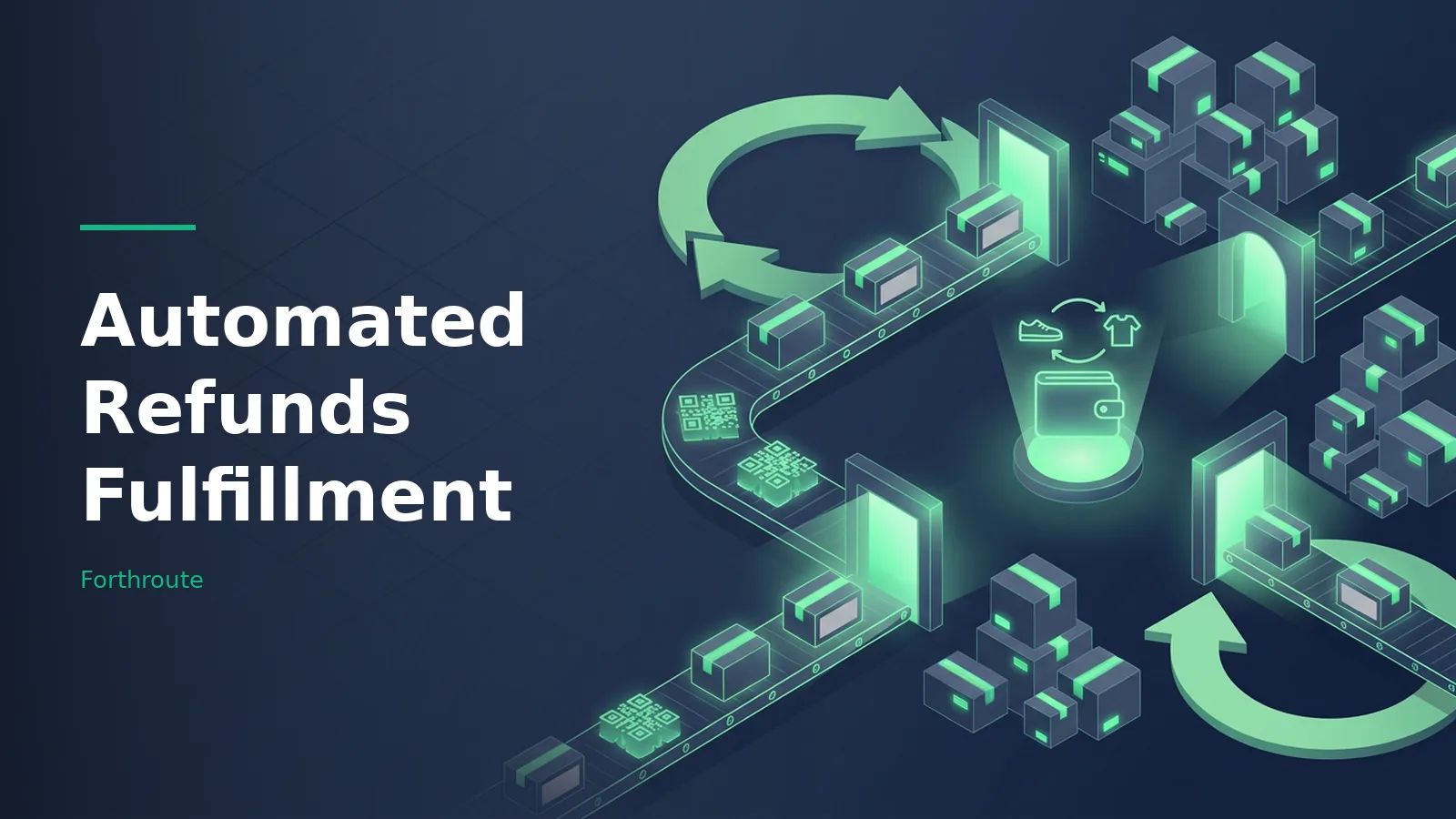
TL;DR: Automate the repetitive parts of ecommerce returns: order lookup, eligibility checks, resolution options, label creation, return-leg updates and customer messages. Keep a clear approval step for exceptions and for releasing money. In Forthroute, the merchant reviews the request and issues an approved refund in one click; the app does not release a refund merely because a carrier scanned the parcel.
Last updated: August 2026
How to automate online store returns
A useful return automation workflow moves a request from customer intake to a documented outcome without making the merchant reconstruct the order by hand. It should identify the order, apply the store's policy, collect the return reason, present the allowed resolutions, create the approved return shipment, track the return leg and keep the customer informed.
Automation does not have to mean surrendering every decision. The safest design automates routine checks and handoffs while sending unusual, high-value or policy-edge cases to a person. The merchant should also control when an approved refund is released.
Eight return automation rules every store needs
1. Verify the customer and order
Start every request with a reliable order lookup. Match the customer to an order, confirm the item and quantity, and stop the workflow when the details do not match. A self-service portal can remove the support ticket, but it should not create a return against an unverified order.
2. Apply the return window consistently
Calculate eligibility from the policy date your store actually uses, such as delivery date or order date. Define the standard window and the exceptions before you automate it. Holiday extensions, warranties and delayed deliveries should not depend on an agent remembering an unwritten rule.
3. Enforce product and condition exclusions
Mark final-sale items, hygiene-sensitive goods, customized products and other exclusions in the rule set. Ask the customer to confirm condition and, where useful, provide a photo. Send uncertain cases to review instead of rejecting or approving them blindly.
For a deeper setup checklist, see return eligibility automation best practices.
4. Map each reason to the allowed resolutions
A size issue, damaged item and changed-mind return do not need the same options. Map reason codes to the resolutions your policy permits: exchange, store credit or refund. Keep the language specific enough to support later analysis; a catch-all “other” reason should be the exception, not the default.
5. Define the approval boundary
Write down which requests can follow the standard path and which require a person. Common review triggers include an unmatched order, an expired window, inconsistent evidence, a high-value item, repeated claims or a request outside the published policy.
Approval rules should control the workflow, not hide it. The operator needs to see why a request was routed to review and what must happen next. For examples, read how to set up Shopify return approval rules.
6. Create labels only after the return path is clear
Decide who pays for return shipping, which address receives the parcel and whether the customer needs a printable label or a QR code. Generate the label after the request reaches the approved shipping step. This prevents the store from buying labels for ineligible or unresolved requests.
7. Trigger updates from return-leg milestones
Send messages when the request is received, approved or declined, when a label is ready, and when the return changes status. Use the return shipment's tracking events for return-leg updates. Do not describe a returns app as tracking the original outbound delivery unless it actually supports that separate job.
8. Separate receipt, inspection, refund and restock
A carrier scan proves that a parcel moved; it does not prove that the correct product came back in resellable condition. Define whether your store refunds after approval, first scan, delivery or inspection, then state the exceptions. Record the final disposition separately: restock, refurbish, quarantine, liquidate or dispose.
What to automate and what to review
| Workflow step | Good automation candidate | Send to human review when |
|---|---|---|
| Order lookup | Match customer, order, item and quantity | The identity or order details do not match |
| Eligibility | Check window, product exclusions and stated condition | The request sits outside policy or evidence conflicts |
| Resolution | Show the exchange, store-credit or refund choices allowed by policy | The requested outcome is not allowed or inventory is unavailable |
| Return shipping | Create the approved label and send instructions | The destination, carrier or shipping responsibility is unclear |
| Customer updates | Send status messages from recorded workflow events | An exception has no defined next step |
| Refund | Prepare the approved amount and order context | Money is about to move or the amount needs adjustment |
| Inventory disposition | Record the chosen disposition and restock eligible goods | Condition is unknown, damaged or disputed |
Automated refunds: choose the trigger carefully
“Automated refunds fulfillment” describes a workflow category, not one mandatory refund trigger. A store can automate the intake, policy checks, label and status updates while still requiring a merchant to release the refund.
That boundary is often the difference between useful automation and an irreversible mistake.
Choose the trigger by product risk and inspection needs. Low-risk goods may follow a faster approved path. Expensive, fragile, serialized or condition-sensitive items may need delivery or inspection first. Whatever you choose, document it in the policy and make the same trigger visible to support staff and customers.
How Forthroute handles return automation
Forthroute is a Shopify returns app with a branded self-service portal. It verifies the order, lets the merchant configure return windows, exclusions and fees, and supports refunds, exchanges and store credit.
Approved returns can use prepaid labels, and email updates keep the customer informed about return status.
Forthroute keeps the refund decision with the merchant. The operator reviews, approves or declines the request in the dashboard, then issues an approved refund in one click through Shopify. The workflow should not be described as a refund that fires automatically when a carrier scans the return.
The app is free to install and use, with no monthly subscription or per-return fee. Optional prepaid return labels are billed at carrier cost plus a handling fee. Merchants can compare this scope with other categories in the return management tools comparison.
Return automation implementation checklist
- Write the return policy in operational terms: dates, exclusions, fees, evidence and allowed resolutions.
- List every exception that must reach a person.
- Choose the event that creates a label and the event that permits a refund.
- Map each return reason to exchange, store credit and refund options.
- Define the receiving address and the disposition path for each product group.
- Draft customer messages for request, approval, label, transit, receipt and completion.
- Test matched and unmatched orders, in-window and expired returns, excluded products and damaged-item claims.
- Run a real return from the customer portal through the merchant dashboard before announcing the workflow.
- Review exception rate, time to decision, resolution mix and return reasons after launch.
Frequently asked questions
What is ecommerce return automation?
Ecommerce return automation uses rules and software to handle repetitive return tasks such as order lookup, eligibility checks, resolution options, labels, status updates and customer messages. Exceptions and irreversible decisions can still require a person.
How can I automate returns for my online store?
Start with a written return policy, convert it into eligibility and routing rules, add a self-service portal, define approval exceptions, connect label and return-leg tracking, and test the entire path with real orders.
Should a refund happen at the first carrier scan?
Not by default. A first scan confirms movement, not the identity or condition of the returned item. Choose the refund trigger based on value, fraud risk and inspection needs, and retain a review step for exceptions.
Does Forthroute release refunds without merchant approval?
No. Forthroute helps automate the surrounding return workflow, but the merchant reviews the request and issues an approved refund in one click. A carrier scan does not by itself release the money.
Can return automation offer exchanges or store credit?
Yes. The workflow can present the resolutions allowed by the store's policy, including an exchange, store credit or refund. The available choice can depend on the return reason, item and inventory.
How much does Forthroute cost?
Forthroute has no monthly subscription or per-return fee. Optional prepaid return labels are billed at carrier cost plus a handling fee.
Automating the Management, Sorting and Resale of Returns
Automating management of returns extends the rules above past approval: sorting rules assign each incoming item a disposition — restock, refurbish, liquidate or dispose — from return reason and condition, before anyone handles the box twice. Retailers automate resale of returned products by routing restockable items straight back to sellable inventory and channeling the rest to outlet listings or bulk resale, so recovery starts the day the return arrives.
Order management automation strategies for returns follow one principle: every manual decision that repeats becomes a rule, and every rule gets an exception queue a human reviews. Start with the two highest-volume return reasons, automate their full path, and expand from what the exception queue teaches you.
About the Author

Hylke Reitsma is co-founder of Forthsuite and a supply chain specialist with 8+ years of hands-on experience at Shell, Verisure, and Stryker. He holds an MSc in Supply Chain Management from the University of Groningen and writes practical guides to help e-commerce teams run leaner, faster supply chains. Selected by Replit as 1 of 20 founders for the inaugural Race to Revenue Cohort #1 (2026) and certified as a Replit Platform Builder.
LinkedIn