Returns Impact on Inventory Forecasting
Returns introduce a 9-23 day reorder-point error. The forecast-correction logic Forthcast + Forthroute use to keep replenishment honest.
Hylke Reitsma is co-founder of Forthsuite and a supply chain specialist with 8+ years of hands-on experience at Shell, Verisure, and Stryker. He holds an MSc in Supply Chain Management from the University of Groningen and writes practical guides to help e-commerce teams run leaner, faster supply chains. Selected by Replit as 1 of 20 founders for the inaugural Race to Revenue Cohort #1 (2026) and certified as a Replit Platform Builder.
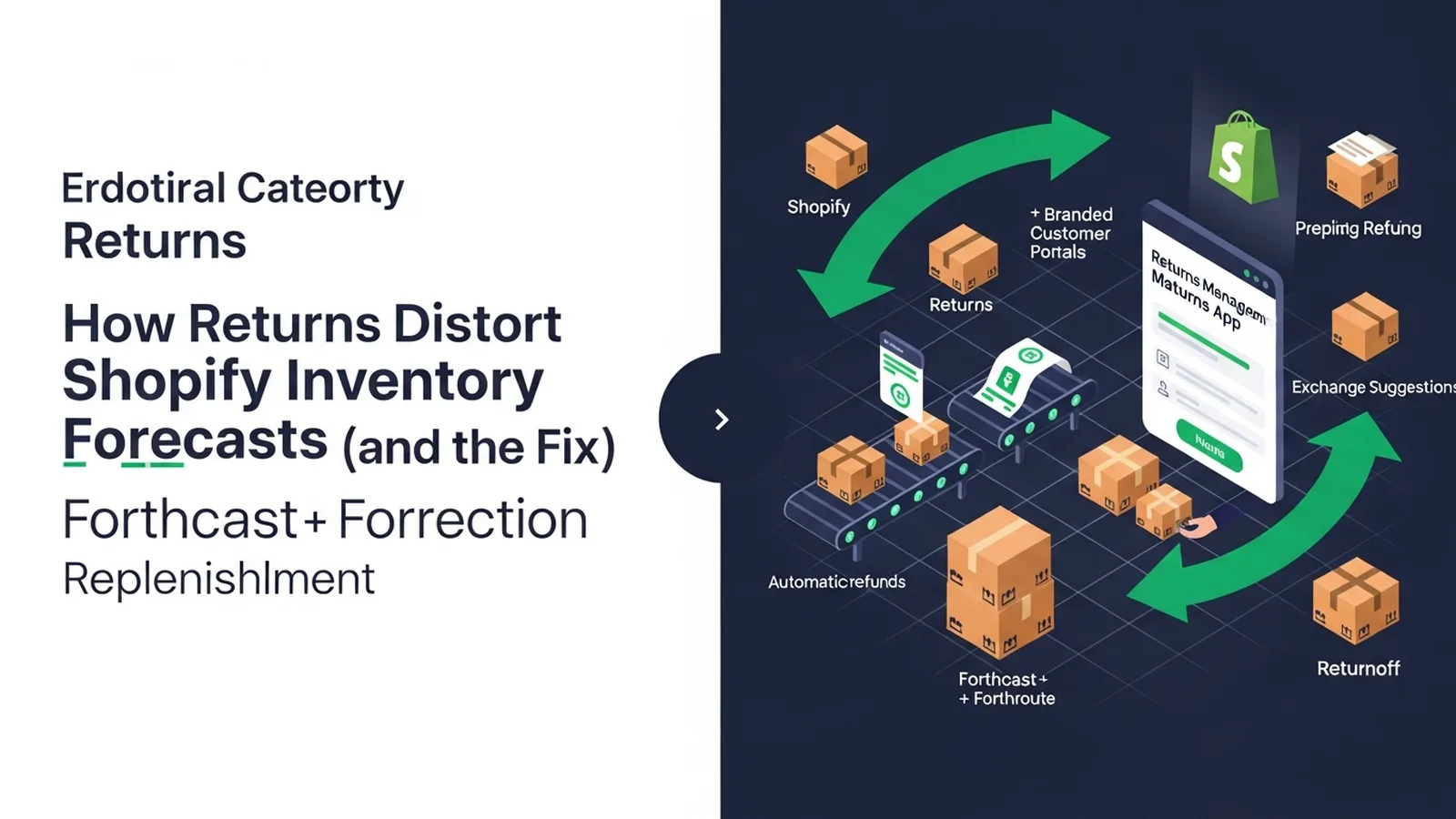
How Returns Distort Shopify Inventory Forecasts (and the Fix)
TL;DR: Returns introduce a 9-23 day reorder-point error in Shopify inventory forecasts, skewing when you should actually replenish stock. Forthroute handles returns and reverse logistics for Shopify brands while feeding real-time return data into forecast-correction logic that keeps your replenishment decisions accurate despite customer returns.
Last updated: July 2026
TL;DR. Returns introduce a 9-23 day reorder-point error. The forecast-correction logic Forthcast + Forthroute use to keep replenishment honest.
If you operate returns at scale on Shopify, this guide is one of 25 spokes inside the Shopify Returns Management Hub — start with the pillar for the operator-level overview, then come back here for the deep dive on returns impact on inventory forecasting. The short answer to "How do returns affect Shopify inventory forecasts?": work the framework below, ship the policy wording, and instrument the metric we call out at the end.
The forecast-distortion math
The forecast-distortion math is a load-bearing step. The Forthroute team works with Shopify brands on returns, and this is the version of the playbook that survives contact with peak season.
Use the rule set below as your default and adjust the thresholds for your category and AOV.
- Define the input you actually have (Shopify order data, return reason, customer cohort).
- Pick a default rule that handles 70% of cases without human review.
- Write the customer-facing wording before you write the rule — the wording is the product.
- Instrument the conversion (refund-to-exchange, repeat-return rate, refund cycle time).
How returns lag sales data
How returns lag sales data is a load-bearing step. The Forthroute team works with Shopify brands on returns, and this is the version of the playbook that survives contact with peak season.
Use the rule set below as your default and adjust the thresholds for your category and AOV.
- Define the input you actually have (Shopify order data, return reason, customer cohort).
- Pick a default rule that handles 70% of cases without human review.
- Write the customer-facing wording before you write the rule — the wording is the product.
- Instrument the conversion (refund-to-exchange, repeat-return rate, refund cycle time).
Net-demand correction formula
Net-demand correction formula is a load-bearing step. The Forthroute team works with Shopify brands on returns, and this is the version of the playbook that survives contact with peak season.
Use the rule set below as your default and adjust the thresholds for your category and AOV.
- Define the input you actually have (Shopify order data, return reason, customer cohort).
- Pick a default rule that handles 70% of cases without human review.
- Write the customer-facing wording before you write the rule — the wording is the product.
- Instrument the conversion (refund-to-exchange, repeat-return rate, refund cycle time).
Forthcast + Forthroute integration
Forthcast + Forthroute integration is a load-bearing step. The Forthroute team works with Shopify brands on returns, and this is the version of the playbook that survives contact with peak season.
Use the rule set below as your default and adjust the thresholds for your category and AOV.
- Define the input you actually have (Shopify order data, return reason, customer cohort).
- Pick a default rule that handles 70% of cases without human review.
- Write the customer-facing wording before you write the rule — the wording is the product.
- Instrument the conversion (refund-to-exchange, repeat-return rate, refund cycle time).
Category-specific tuning
Category-specific tuning is a load-bearing step. The Forthroute team works with Shopify brands on returns, and this is the version of the playbook that survives contact with peak season.
Use the rule set below as your default and adjust the thresholds for your category and AOV.
- Define the input you actually have (Shopify order data, return reason, customer cohort).
- Pick a default rule that handles 70% of cases without human review.
- Write the customer-facing wording before you write the rule — the wording is the product.
- Instrument the conversion (refund-to-exchange, repeat-return rate, refund cycle time).
FAQ
How do returns affect Shopify inventory forecasts?
Yes — and the framework above gives you the operator answer in under 700 words. Returns introduce a 9-23 day reorder-point error. The forecast-correction logic Forthcast + Forthroute use to keep replenishment honest.
How does this affect refund cycle time on Shopify?
Most operators see refund cycle time drop from 7-9 days to 3-5 days once the rules above are in place. The biggest single lever is auto-approval for low-risk, low-value returns.
Does Forthroute support returns impact on inventory forecasting natively?
Yes. Forthroute ships with the rule engine, customer portal, and Shopify-native integration the framework above assumes. Pricing is free — see pricing.
Where does this fit in the broader Returns Management Hub?
This spoke is one of 25 inside the Shopify Returns Management Hub. The pillar covers the full operator overview; come back to this spoke when you specifically need to solve returns impact on inventory forecasting.
Next step
If you want the full operator playbook across all 25 spokes, the Shopify Returns Management Hub stitches them together. If you want to ship this in one afternoon on Shopify, install Forthroute — it's free.
Why Return Timing Creates Forecast Blind Spots
The core problem isn't that returns happen—it's that they arrive on a different timeline than your sales forecasts assume. When a customer places an order on Monday, your inventory system immediately decreases stock.
But if that customer initiates a return on Friday and the item doesn't land back in your warehouse until the following Wednesday, your forecast never sees the intermediate state. For 5–7 days, your system thinks the stock is gone. If you're forecasting replenishment based on daily sales velocity alone, you're working with phantom depletion: you reorder assuming the item is still in customer hands, when in reality it's about to come back.
This gap widens during high-return-rate seasons (holidays, end-of-season sales) or for categories prone to returns (apparel, electronics). A forecast built on gross sales rather than net demand will consistently overestimate how much fresh inventory you need, leading to overstock and obsolescence—or, conversely, will underestimate true demand if returns are being excluded entirely from your models.
Segmenting Return Reasons to Refine Forecast Inputs
Not all returns affect forecasting equally. A "wrong size" return on an apparel item usually means the customer will reorder the correct size within days.
A "defective" return suggests a quality issue that may depress future demand for that SKU. A "changed mind" return might indicate weak product-market fit or pricing misalignment. When you feed all three into your forecast with equal weight, you're averaging away the signal.
Start by bucketing your returns by reason:
- Fit/sizing issues: These often convert to exchanges or repeat purchases. Treat them as temporary inventory outflows, not demand destruction.
- Quality or damage: Flag these for product or fulfillment review; they may signal a structural problem that dampens future sales velocity for that SKU.
- Buyer's remorse or policy-driven: These carry weaker predictive power. Include them in net-demand calculations, but don't assume they'll repeat at the same rate.
- Logistics failures: Wrong item shipped, late arrival, or carrier damage. These are operational noise, not demand signals. Isolate them from your forecast model.
By segmenting returns before they feed into your forecast, you preserve signal and reduce noise. A forecasting system that treats a sizing return the same as a "product damaged on arrival" will misallocate inventory toward the wrong SKUs and miss reorder windows for items that are genuinely in demand.
Building a Return-Adjusted Reorder Point
Your reorder point today likely follows a simple formula: average daily demand multiplied by lead time, plus a safety stock buffer. Returns disrupt this because they compress the effective lead time.
If your supplier takes 14 days to ship replenishment stock, but your customer return window is 30 days, returned inventory may arrive before your new order. That means your safety stock calculation is overcounting—you're holding extra inventory as a buffer against something that's already in flight.
A return-adjusted reorder point accounts for three variables instead of two: demand, lead time, and expected return inflow. At minimum, track the average number of days between sale and return receipt for each product category. Subtract that from your lead time when calculating safety stock. If your supplier lead time is 14 days and your average return receipt is 5 days out, your effective lead-time risk is 9 days, not 14. That alone can reduce excess safety stock and free up cash currently locked in overstock.
What Should You Measure to Know If Your Forecast Is Corrected?
You need one metric that tells you whether returns are still distorting your replenishment decisions: the variance between forecasted demand and actual net demand (sales minus returns that landed back in stock) for each SKU over a rolling 60-day window. If your forecast error is widening or skewing toward overstock, returns are still the hidden variable. If it narrows after you implement return-adjusted inputs, you've fixed the leak.
Run Shopify returns in a branded portal you control — Forthroute, no subscription or monthly return limit.
About the Author

Hylke Reitsma is co-founder of Forthsuite and a supply chain specialist with 8+ years of hands-on experience at Shell, Verisure, and Stryker. He holds an MSc in Supply Chain Management from the University of Groningen and writes practical guides to help e-commerce teams run leaner, faster supply chains. Selected by Replit as 1 of 20 founders for the inaugural Race to Revenue Cohort #1 (2026) and certified as a Replit Platform Builder.
LinkedIn