Printerless Returns on Shopify (2026)
Learn how QR return labels work, check carrier drop-off options, and set up label billing and customer instructions for your Shopify store.
Hylke Reitsma is co-founder of Forthsuite and a supply chain specialist with 8+ years of hands-on experience at Shell, Verisure, and Stryker. He holds an MSc in Supply Chain Management from the University of Groningen and writes practical guides to help e-commerce teams run leaner, faster supply chains. Selected by Replit as 1 of 20 founders for the inaugural Race to Revenue Cohort #1 (2026) and certified as a Replit Platform Builder.
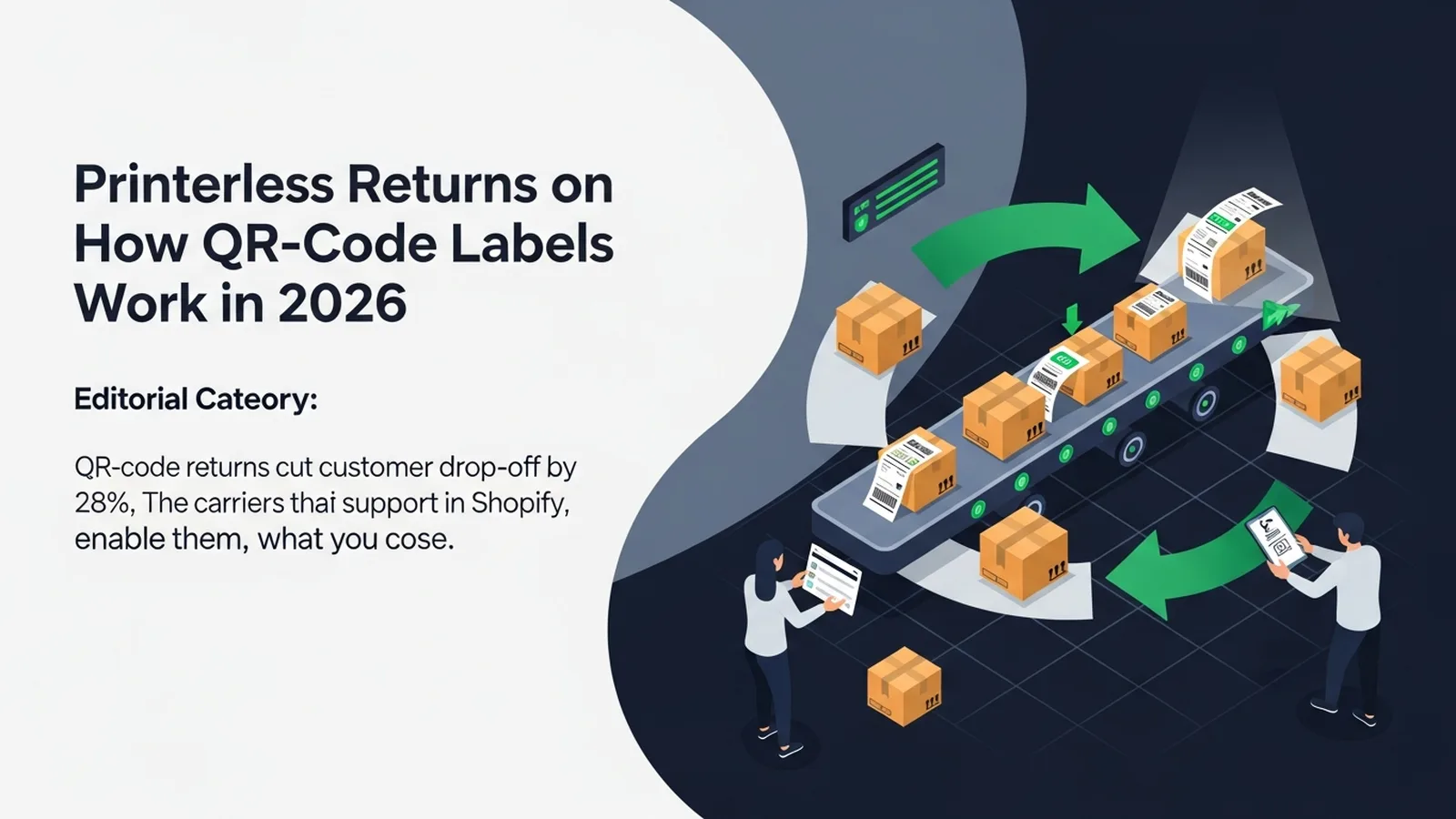
TL;DR: Printerless returns let a customer show a carrier-issued QR code at a participating location, where the shipping label is printed. On Shopify, you need a returns workflow that supports the selected carrier and service. Check the actual drop-off instructions, label billing and customer notifications before offering it. A QR code does not make postage free or remove the merchant's refund decision.
Last updated: September 2026
How a printerless return works
A customer starts a return through your store's chosen process. Once the request meets your approval rules and a supported label is generated, the customer receives the code and instructions. They take the parcel to a participating location, show the code, and the label is printed for the shipment.
Three details matter: the return must be authorized under your policy, a usable label or code must actually be issued, and the customer must use a location that accepts that specific service. An approval email, a payment receipt and a shipping label are different things.
Printerless also does not necessarily mean box-free. Tell customers how to package the goods according to the return instructions. Do not advertise a box-free return unless the selected service includes it.
Check the carrier and the participating location
The carrier examples below describe their published services. They are not a promise that every service is available through every Shopify app, carrier account or country.
| Carrier | What to check | Official instructions |
|---|---|---|
| USPS | Use a USPS Label Broker ID at a Post Office counter or self-service kiosk that supports Label Broker. Bring the packed parcel and the code; get the shipping label printed before handing over the parcel. | USPS Label Broker locations and printing |
| FedEx | A retailer-issued FedEx QR code can be taken to a participating location for label printing. Check the instructions supplied with the code or the QR-enabled location finder. | FedEx return options |
| UPS | Follow the retailer's UPS return instructions and the specified printing or drop-off option. Confirm the location accepts your return service before travelling. | UPS return instructions |
Do not put an unlabelled parcel into a collection box because you have a QR code on your phone. A location that accepts already-labelled parcels is not necessarily able to scan your code and print a label.
A merchant checklist before you offer QR returns
- Choose the customer entry point. Make your returns link easy to find and check that a customer can reach the correct portal from your storefront.
- Set your policy. Define eligible items, return windows, approval rules and who pays return shipping. Make the customer-facing wording match those settings.
- Confirm the shipping route. Check the origin, return address, parcel requirements and available carrier service. Domestic support does not establish cross-border support.
- Complete label billing or connect your carrier account. A configured portal alone does not establish that labels can be purchased.
- Check the customer experience. Using an authorized test process, verify the approval message, actual label or QR code, drop-off instructions and return-status link. Any real postage purchase follows the carrier's charges.
- Keep a fallback. Explain how customers can obtain a printable label or contact you when the printerless option is unavailable.
For the wider process, see the Shopify returns management guide. Evaluate each step against the workflow you actually use rather than assuming all Shopify returns tools behave alike.
What to check when a customer has no label
Start with the return's current status. Has the request been approved? Has label generation succeeded? Does the merchant account have the required billing approval or carrier connection? Is the selected service available for this parcel and route?
Then check delivery of the label: the customer's email address, the notification status and the return-status page. A customer may have an approval or payment email without having a usable label. Explain the specific outstanding step instead of sending a generic “your return needs attention” message.
If a customer says they already paid, check the transaction and return records before asking them to pay again. The shipping fee you collect from a shopper and the carrier label charge to your business are separate parts of the workflow.
Where Forthroute fits
Forthroute provides Shopify merchants with a branded return portal, configurable return policies, QR-label support, exchange options, merchant-issued refunds and return-leg tracking. Check the available carrier and service for your store before promising a printerless option to customers.
There is no software subscription or monthly return limit. Optional Forthroute-brokered prepaid labels are billed through Shopify at carrier cost plus a 1% handling markup, rounded up to the next $0.10. Merchants can instead connect their own carrier account. A customer's return-shipping fee is determined by your policy; it is not the same as Forthroute's label billing.
Refund is the default portal resolution. Exchanges are supported and can be incentivised; refunds remain merchant-issued. A carrier scan does not mean Forthroute automatically refunds the customer.
Review Forthroute on the Shopify App Store to see the product and install it when the workflow fits your store. Already installed? Check your return settings and label billing before directing customers to request prepaid labels.
Frequently asked questions
Can a customer return a parcel with just a QR code?
They need the parcel and the instructions for the service that issued the code. At a participating location, the code is used to print a shipping label. Packaging requirements still apply unless the specific service says otherwise.
Are printerless return labels free?
No. Removing the need for a home printer does not remove postage charges. Who pays depends on your return policy and the carrier or returns platform you use.
Will QR returns reduce abandonment or speed up refunds?
They remove the home-printing step, but the effect on your store depends on carrier access, instructions, approval time and the rest of your workflow. Track completed returns, label-related support requests and refund timing rather than assuming a fixed improvement.
About the Author

Hylke Reitsma is co-founder of Forthsuite and a supply chain specialist with 8+ years of hands-on experience at Shell, Verisure, and Stryker. He holds an MSc in Supply Chain Management from the University of Groningen and writes practical guides to help e-commerce teams run leaner, faster supply chains. Selected by Replit as 1 of 20 founders for the inaugural Race to Revenue Cohort #1 (2026) and certified as a Replit Platform Builder.
LinkedIn