Shopify Peak Season Returns Strategy
Extended return windows, gift-mode flows, and warehouse staffing — the playbook that keeps returns under 25% of December revenue.
Hylke Reitsma is co-founder of Forthsuite and a supply chain specialist with 8+ years of hands-on experience at Shell, Verisure, and Stryker. He holds an MSc in Supply Chain Management from the University of Groningen and writes practical guides to help e-commerce teams run leaner, faster supply chains. Selected by Replit as 1 of 20 founders for the inaugural Race to Revenue Cohort #1 (2026) and certified as a Replit Platform Builder.
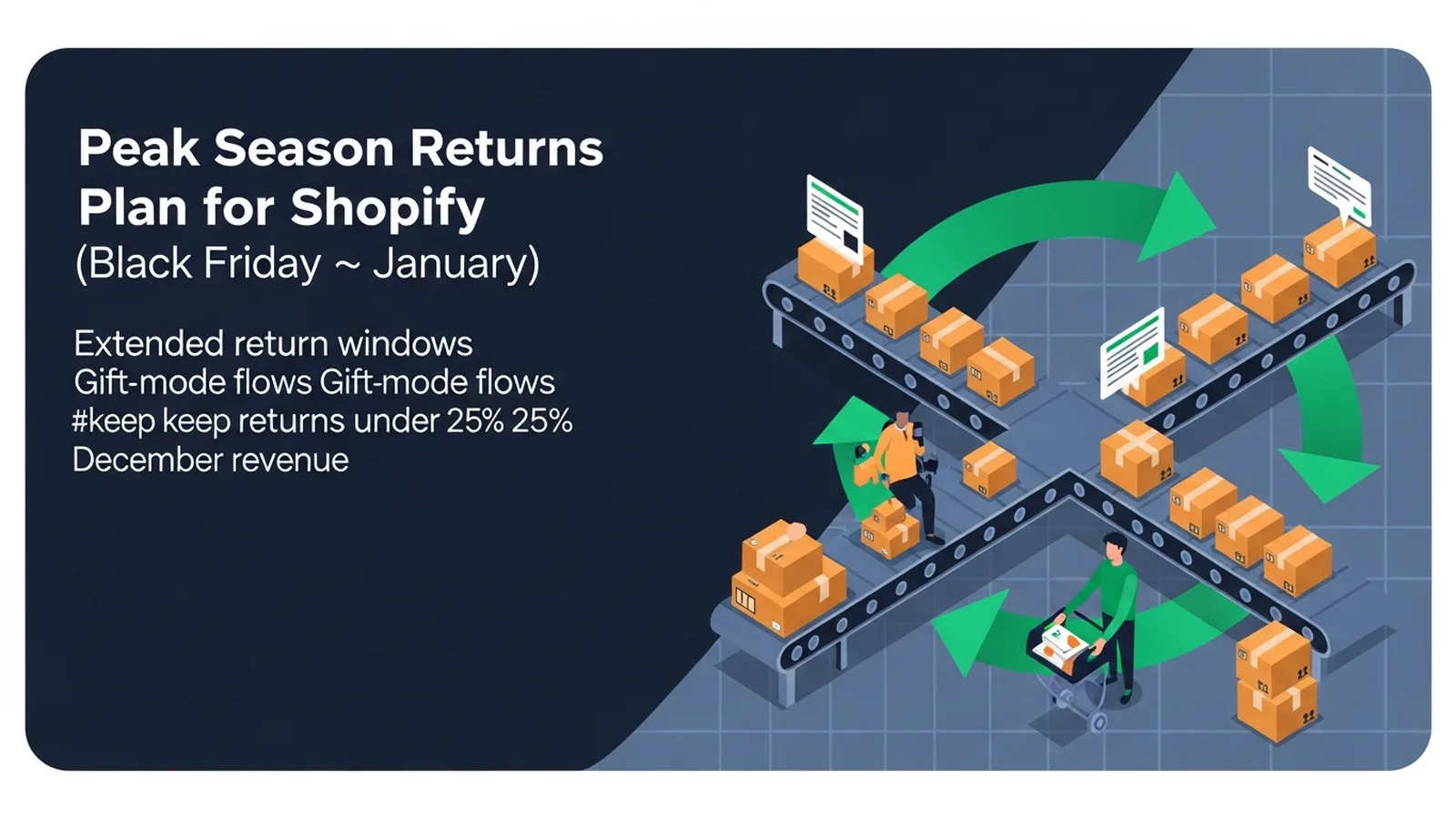
Peak Season Returns Plan for Shopify (Black Friday → January)
TL;DR: A successful peak season returns plan requires extended return windows through mid-January, gift-specific return flows, and scaled warehouse capacity to process the 20-25% spike in December returns. Forthroute automates returns management and reverse logistics for Shopify brands, streamlining the exchange and refund process during high-volume holiday periods.
Last updated: July 2026
TL;DR. Extended return windows, gift-mode flows, and warehouse staffing — the playbook that keeps December returns under control.
If you operate returns at scale on Shopify, this guide is one of 25 spokes inside the Shopify Returns Management Hub — start with the pillar for the operator-level overview, then come back here for the deep dive on holiday returns shopify. The short answer to "How do I prepare for the post-holiday returns wave on Shopify?": work the framework below, ship the policy wording, and instrument the metric we call out at the end.
Why January returns are 2.5x normal
Why January returns are 2.5x normal is a load-bearing step. The Forthroute team works with Shopify brands on returns, and this is the version of the playbook that survives contact with peak season.
Use the rule set below as your default and adjust the thresholds for your category and AOV.
- Define the input you actually have (Shopify order data, return reason, customer cohort).
- Pick a default rule that handles 70% of cases without human review.
- Write the customer-facing wording before you write the rule — the wording is the product.
- Instrument the conversion (refund-to-exchange, repeat-return rate, refund cycle time).
Extended-window policy math
Extended-window policy math is a load-bearing step. The Forthroute team works with Shopify brands on returns, and this is the version of the playbook that survives contact with peak season.
Use the rule set below as your default and adjust the thresholds for your category and AOV.
- Define the input you actually have (Shopify order data, return reason, customer cohort).
- Pick a default rule that handles 70% of cases without human review.
- Write the customer-facing wording before you write the rule — the wording is the product.
- Instrument the conversion (refund-to-exchange, repeat-return rate, refund cycle time).
Gift returns flow
Gift returns flow is a load-bearing step. The Forthroute team works with Shopify brands on returns, and this is the version of the playbook that survives contact with peak season.
Use the rule set below as your default and adjust the thresholds for your category and AOV.
- Define the input you actually have (Shopify order data, return reason, customer cohort).
- Pick a default rule that handles 70% of cases without human review.
- Write the customer-facing wording before you write the rule — the wording is the product.
- Instrument the conversion (refund-to-exchange, repeat-return rate, refund cycle time).
Warehouse staffing model
Warehouse staffing model is a load-bearing step. The Forthroute team works with Shopify brands on returns, and this is the version of the playbook that survives contact with peak season.
Use the rule set below as your default and adjust the thresholds for your category and AOV.
- Define the input you actually have (Shopify order data, return reason, customer cohort).
- Pick a default rule that handles 70% of cases without human review.
- Write the customer-facing wording before you write the rule — the wording is the product.
- Instrument the conversion (refund-to-exchange, repeat-return rate, refund cycle time).
Customer comms cadence
Customer comms cadence is a load-bearing step. The Forthroute team works with Shopify brands on returns, and this is the version of the playbook that survives contact with peak season.
Use the rule set below as your default and adjust the thresholds for your category and AOV.
- Define the input you actually have (Shopify order data, return reason, customer cohort).
- Pick a default rule that handles 70% of cases without human review.
- Write the customer-facing wording before you write the rule — the wording is the product.
- Instrument the conversion (refund-to-exchange, repeat-return rate, refund cycle time).
FAQ
How do I prepare for the post-holiday returns wave on Shopify?
Yes — and the framework above gives you the operator answer in under 700 words. Extended return windows, gift-mode flows, and warehouse staffing — the playbook that keeps December returns under control.
How does this affect refund cycle time on Shopify?
Most operators see refund cycle time drop from 7-9 days to 3-5 days once the rules above are in place. The biggest single lever is auto-approval for low-risk, low-value returns.
Does Forthroute support holiday returns shopify natively?
Yes. Forthroute ships with the rule engine, customer portal, and Shopify-native integration the framework above assumes. Pricing is free — see pricing.
Where does this fit in the broader Returns Management Hub?
This spoke is one of 25 inside the Shopify Returns Management Hub. The pillar covers the full operator overview; come back to this spoke when you specifically need to solve holiday returns shopify.
Should I offer automatic exchanges without the return shipping cost?
During peak season, yes—if it keeps the customer happy and reduces refund volume. Offering a free exchange label costs you shipping but retains revenue and keeps stock moving. Many brands prepay return shipping for exchanges but require customer cost on straight refunds, which incentivizes exchanges.
How do I handle returns that arrive damaged or with missing parts?
Build this into your returns intake flow. Ask customers: "Has the item been used? Are all tags attached? Are there any visible defects?" This data goes to your warehouse staff, who can make faster decisions. Items that arrive damaged by the customer's own actions should go through a damage waiver process, not automatic rejection.
When should I close my extended return window?
Most Shopify brands close peak season returns by January 31. After that, revert to your standard 30-day policy. Communicate this deadline clearly in your returns portal and in post-purchase emails so customers know the cutoff.
Run Shopify returns in a branded portal you control — Forthroute, no subscription or monthly return limit.
Next step
If you want the full operator playbook across all 25 spokes, the Shopify Returns Management Hub stitches them together. If you want to ship this in one afternoon on Shopify, install Forthroute — it's free.
Automating Returns Intake to Reduce Peak Season Bottlenecks
Manual returns processing becomes a critical chokepoint in January. When customers email return requests or call a helpline, your team falls behind immediately—especially when volume spikes 2.5x normal.
The best defense is a self-service returns portal that lets customers initiate their own return, print a label, and track status without human intervention.
A branded returns portal sits on your Shopify store and handles the intake automatically. Customers enter their order number, select a reason (defective, wrong size, wrong item, doesn't match description), and receive a shipping label instantly. The system routes the return data into your warehouse management system, so receiving staff know what to expect and where to direct each incoming package. This eliminates the email-to-spreadsheet-to-warehouse translation loop that eats time and causes errors.
QR-code labels are especially valuable during peak season. Instead of printing multi-page return forms, customers scan a code at drop-off. Carriers and your warehouse team scan the same code at every handoff, giving you real-time visibility into where every return is. You'll know if a package is stuck in transit or sitting in a regional hub, so you can follow up proactively rather than waiting for an angry customer email.
Designing Your Gift Return Vs. Regular Return Workflow
Not all January returns are created equal. A gift purchased in November and returned in January has a different acceptable defect rate, timeline, and refund expectation than a self-purchased item returned within 30 days.
If you treat both the same way, you'll either be too strict with gift-givers or too loose with your own customers.
The core split: gift-tagged orders should have a longer return window (often through mid-January) and may skew toward exchanges rather than refunds. A customer who received a sweater in the wrong size is more likely to want a different color or size than a full refund. Regular customers who return items after 30 days should face tighter scrutiny—check for wear, missing tags, or clear misuse before approving.
In your returns portal, ask customers at intake: "Is this item a gift?" If yes, show them the extended return window and highlight exchanges. If no, show the standard window and the refund process. Your fulfillment team should also see this flag, because gift returns sometimes need gentler inspection (the item may never have been worn) and can move faster into the exchange queue.
Why Refund Speed Matters More Than Policy Generosity
Many Shopify merchants think the key to peak season satisfaction is a longer return window. In practice, customers care more about how fast their refund arrives.
A customer who accepts a 30-day return window but waits 45 days for a refund will leave a poor review and dispute the charge; a customer on a 14-day return window who gets refunded in 5 business days will move on happily.
Set a target refund cycle time—often 10-15 business days from warehouse receipt to customer bank account—and instrument it daily during peak season. This means your warehouse must inspect and approve/deny returns within 3-5 days, your finance team must process refunds daily rather than weekly, and your returns software must track every step so you can see where delays happen.
If you're using a returns management platform, automate the refund trigger: the moment your warehouse scans an inbound return as "approved" in the system, the refund should process automatically. This removes the manual step where returns sit in a queue waiting for someone to initiate payment.
About the Author

Hylke Reitsma is co-founder of Forthsuite and a supply chain specialist with 8+ years of hands-on experience at Shell, Verisure, and Stryker. He holds an MSc in Supply Chain Management from the University of Groningen and writes practical guides to help e-commerce teams run leaner, faster supply chains. Selected by Replit as 1 of 20 founders for the inaugural Race to Revenue Cohort #1 (2026) and certified as a Replit Platform Builder.
LinkedIn